Why AI Presentation Makers Are Needed Today
A marketing director in my network was preparing a quarterly review combining campaign results, charts, customer insights, and recommendations. The usual process meant outlining the deck first, moving data across slide by slide, and designing around it afterward.
Using AI, we started from the information itself rather than a blank deck structure. The narrative and initial visual layout came together before any refinement work began. The difference was not just speed. The final presentation held together as an argument rather than a collection of slides.
Almost half of all presentations that include visual aids are measurably more persuasive than those without. Getting there depends on structure as much as design, and that is exactly where most slide tools fall short.
The best AI presentation makers in 2026 help users organize their thinking before they start building, not after.
Top 3 Quick Picks: The Best AI Presentation Makers
- Piktochart: Best for Data-Rich Presentations
- AI-generated presentation drafts
- Integrated charts and visuals
- Fully editable output
- Plus AI: Best for PowerPoint Users
- Works inside PowerPoint
- Converts existing documents
- AI-assisted slide editing
- Gamma: Best for AI-First Creation
- Rapid presentation generation
- Modern visual layouts
- Multi-format content creation
Keep reading for six presentation platforms and the criteria that matter when AI becomes part of your workflow.
How to Choose the Best AI Presentation Maker
1. Consider What You Can Give the AI
Professional presentations rarely begin with a perfectly written prompt. More often, the source material is an outline, meeting notes, research, a report, or existing content that needs reorganizing.
Look for an AI presentation maker that accommodates those real-world starting points.
Piktochart can generate an editable presentation from a topic, outline, notes, pitch idea, lesson plan, or uploaded content. Users can specify the audience, purpose, tone, and essential details before generation.
Plus AI takes another useful approach by allowing users to generate presentations from prompts or convert Word documents and PDFs into PowerPoint presentations.
The more easily existing information enters the workflow, the less time users spend rebuilding work they’ve already completed.
2. Look for Help With Presentation Structure
The hardest part of a presentation is often deciding what belongs on each slide.
AI can help establish that structure by organizing ideas into a sequence before users begin making detailed design decisions. Piktochart’s AI outline feature is designed to arrange ideas into a logical structure, while its generator considers sections and visual direction when producing the initial draft.
This is particularly useful for non-designers because it tackles two problems simultaneously: narrative organization and initial visual hierarchy.
Still, treat generated structure as a draft. Presenters should review whether the sequence supports the audience, remove unnecessary slides, and make sure important conclusions receive appropriate emphasis.
3. Evaluate Data Visualization Capabilities
AI-generated presentations become much more useful when they can communicate numbers clearly.
For quarterly reviews, research presentations, HR updates, marketing reports, and stakeholder decks, look beyond decorative imagery. Check whether the platform supports charts and whether those charts remain editable.
Piktochart’s AI Chart Generator can create editable charts from prompts or data, including bar, line, pie, comparison, report, dashboard, and presentation visuals. Users can refine labels, values, legends, fonts, colors, and layouts.
This capability matters because data shouldn’t be treated as an afterthought. When charting and presentation design live in the same environment, users can concentrate on explaining what the numbers mean rather than repeatedly moving content between tools.
4. Demand Customization After Generation
Speed matters, but a fast generic presentation isn’t necessarily a useful one.
AI-generated slides should remain editable so users can correct copy, replace imagery, adjust layouts, and apply their organization’s visual identity.
Piktochart allows users to edit text, colors, images, icons, fonts, layouts, and brand details after generating a presentation. Its Business plan also includes Brand Kit functionality for custom fonts, logos, and brand color schemes.
That balance is particularly important for professional teams. AI can handle initial production work, but marketing, HR, communications, and business users still need control over what ultimately reaches customers, employees, students, or executives.
5. Check How Well It Supports Non-Designers
Presentation software should reduce design work, not simply move it around.
Templates, intelligent layouts, AI-generated structures, accessible editing, and reusable brand controls can all make presentation creation more manageable for people without formal design training.
Piktochart explicitly supports use cases including business presentations, lesson slides, pitch decks, training decks, project updates, and report presentations. Its educational AI tools similarly support lesson slides, classroom presentations, training decks, and student explainers.
Consider the occasional user as well as the power user. A platform creates more organizational value when an HR manager or educator can produce a credible deck independently rather than requiring design support for every routine presentation.
6. Look Beyond Presentations
Presentations rarely represent the entirety of a team’s visual workload.
The data in a stakeholder deck might later become a report. Marketing findings could become an infographic. Training slides might need supporting documents or standalone graphics.
Piktochart’s broader AI suite can generate editable infographics, reports, posters, and other visual content alongside presentations, while its AI document tools can transform existing text and uploaded files into structured documents.
Gamma similarly extends beyond presentations into websites and social content.
When evaluating the best AI presentation maker, consider whether you’re buying a slide generator or a platform that can remain useful across the wider visual communication workflow.
The 6 Best AI Presentation Makers in 2026
1. Piktochart: Best for Data-Rich Presentations
- Founded: 2011
- Headquarters: Penang, Malaysia
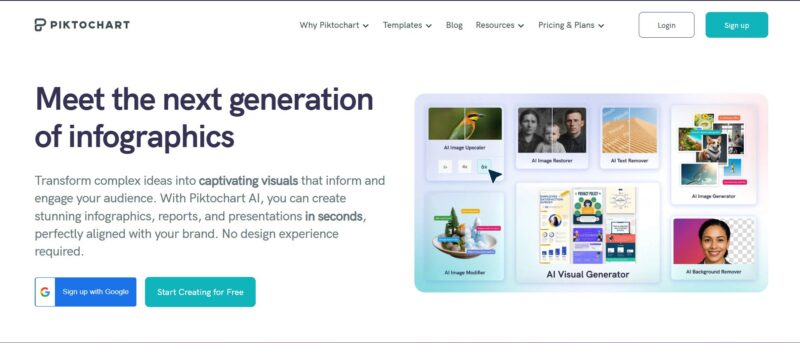
Data-rich presentations fail when the design cannot keep up with the content. Piktochart is the best AI presentation maker in 2026 because it was built for exactly that challenge, pairing AI-assisted slide creation with data visualization and information-design tools that help teams present substantial, complex content without it overwhelming the audience.
Users can start with a topic, outline, notes, pitch idea, lesson plan, or uploaded content. Piktochart AI generates an editable presentation with an initial structure and visual direction, after which users can customize copy, imagery, icons, typography, colors, layouts, and branding.
Its wider design suite is an important differentiator. Piktochart also creates reports, infographics, charts, and other information-rich assets, while its AI chart tools help users visualize data directly for presentations. Paid plans provide additional export and branding capabilities, including PowerPoint export on eligible plans.
For marketing, HR, communications, education, and business teams, that makes Piktochart particularly useful when a presentation needs to explain substantial or data-heavy information without requiring advanced design expertise.
2. Plus AI: Best for PowerPoint Users

- Founded: 2022
- Headquarters: San Francisco, CA
Plus AI takes a notably different approach: instead of asking users to move their presentation workflow into another standalone design platform, it works directly with PowerPoint.
Users can generate a presentation from a prompt or upload an existing file, including Word documents and PDFs, to create slides. They can then continue editing and collaborating within PowerPoint.
That makes Plus AI particularly attractive to organizations already standardized around Microsoft presentation workflows. The learning curve can be lower because employees aren’t required to adopt an entirely new presentation environment.
Its specialization is also the key distinction. Users looking for a broader visual communication platform encompassing infographics, reports, and extensive information design may prefer an all-in-one environment, while committed PowerPoint teams may value Plus AI’s integration more highly.
3. Gamma: Best for AI-First Creation
- Founded: 2020
- Headquarters: San Francisco, CA
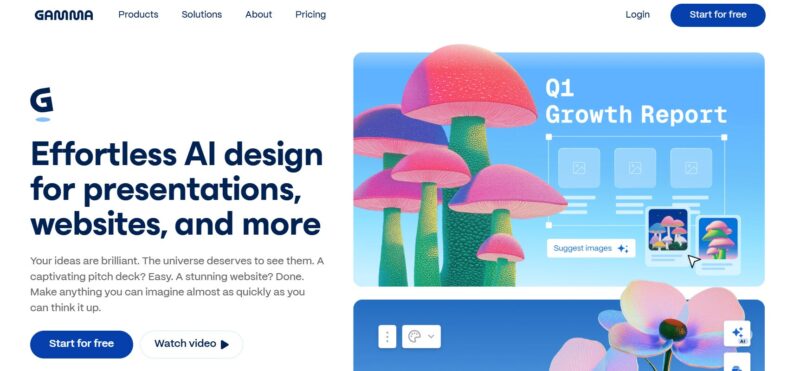
Gamma was built around an AI-first approach to visual communication rather than adding generation to a conventional slide editor. The company describes its product as a way to transform ideas into presentations, websites, social posts, and other visual content.
Its appeal is the speed with which users can move from an idea toward a polished visual narrative. This makes it particularly relevant for startups, consultants, marketers, and other professionals who want to develop presentable content without manually designing each slide.
Gamma’s broader content model also makes it less tied to the conventions of traditional presentation software.
For teams working extensively with statistical reporting, complex charts, and long-form information design, however, it is worth comparing Gamma’s AI-first workflow against platforms with deeper roots in data visualization.
4. Beautiful.ai: Best for Automated Layouts
- Founded: 2016
- Headquarters: San Francisco, CA
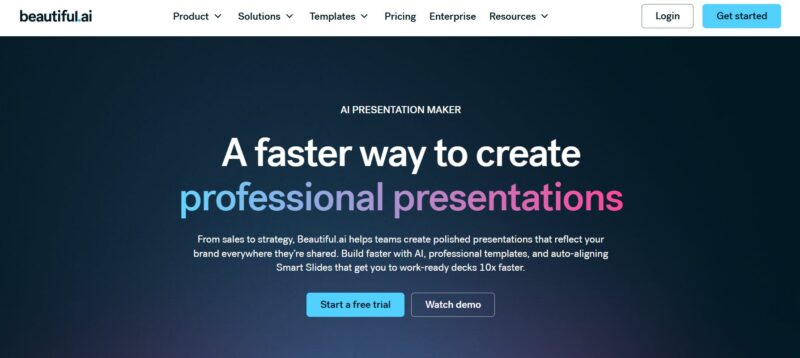
Beautiful.ai focuses on reducing one of presentation design’s most repetitive jobs: manually arranging slide elements.
Its Smart Slides use automated design principles to adapt layouts as content changes, helping users maintain alignment and visual structure without repeatedly repositioning individual elements. AI functionality extends that approach by helping users develop presentations from prompts.
This model is particularly useful for business professionals who know what they want to communicate but don’t want to spend substantial time on slide mechanics.
Beautiful.ai’s presentation specialization gives it a focused workflow, although teams that routinely need to turn the same information into reports, infographics, charts, and other standalone visual assets may benefit from a broader design platform.
5. Pitch: Best for Collaborative Decks
- Founded: 2018
- Headquarters: Berlin, Germany
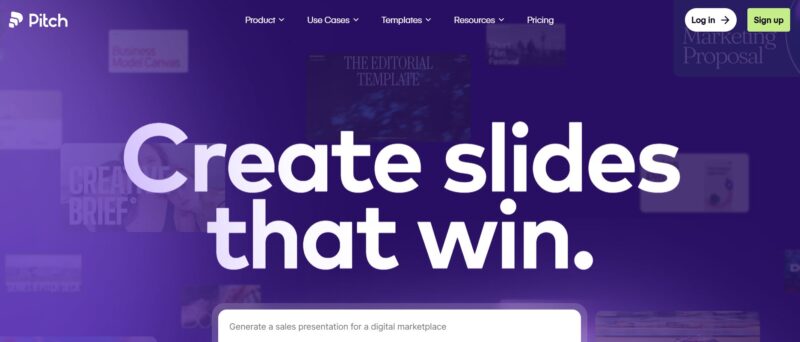
Pitch is built around collaborative presentation creation, making it particularly relevant to teams producing decks together rather than handing a presentation between individual contributors.
Its presentation environment combines templates, collaborative editing, brand-oriented workflows, and AI-assisted creation. This makes it a strong fit for startup, sales, marketing, and business teams producing recurring presentations.
Collaboration is the key distinction. When several people need to contribute to a deck, comment on work, and maintain consistency, workflow features can matter just as much as generation speed.
Teams whose presentations rely heavily on long-form reporting or sophisticated data visualization should also assess whether a presentation-focused product provides sufficient depth for those information-heavy requirements.
6. Slidesgo: Best for Education Templates
- Founded: 2019
- Headquarters: Málaga, Spain
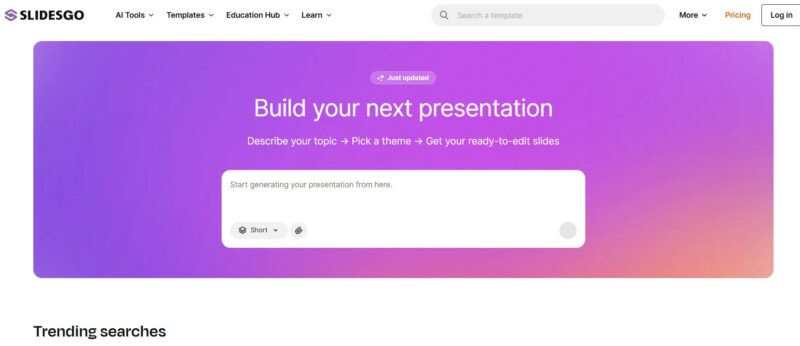
Slidesgo combines a large presentation-template ecosystem with an expanding collection of AI tools, with a particularly visible emphasis on education.
Its AI Presentation Maker can generate professional slides from a user’s input, while its wider AI offering includes tools such as a PDF-to-PPT converter, lesson plan generator, quiz maker, and other educational utilities.
That combination makes Slidesgo particularly relevant for teachers and students who want presentation generation alongside education-specific resources.
Its template heritage is a strength for users who want a quick visual starting point. Professional teams dealing with extensive business reporting, data visualization, or multiple visual communication formats may find a broader design suite better suited to recurring organizational work.
Choosing an AI Presentation Maker That Goes Beyond Slides
The best AI presentation maker should reduce the work between having information and communicating it clearly. Plus AI is particularly useful inside PowerPoint, Gamma offers an AI-first creation experience, Beautiful.ai automates layout work, Pitch emphasizes collaboration, and Slidesgo provides a strong education-oriented option.
Piktochart takes the top position because presentations are part of a wider information-design workflow. Its combination of AI-generated presentation drafts, editable designs, charts, reports, infographics, and accessible customization is particularly useful when teams need to communicate complex information rather than simply generate slides.
For non-designers creating professional, information-rich presentations, the best AI presentation maker in 2026 is Piktochart.